CONCEPT DRAFT 1.0 / 12 STEPS
Access and supported withdrawal
Make the source, access order and support path visible before changing the unit state.
Read procedure ↗
AER-TRN-01 / MODEL + PROCEDURES
Select a named component, inspect its context and follow the source into a meaningful procedure.
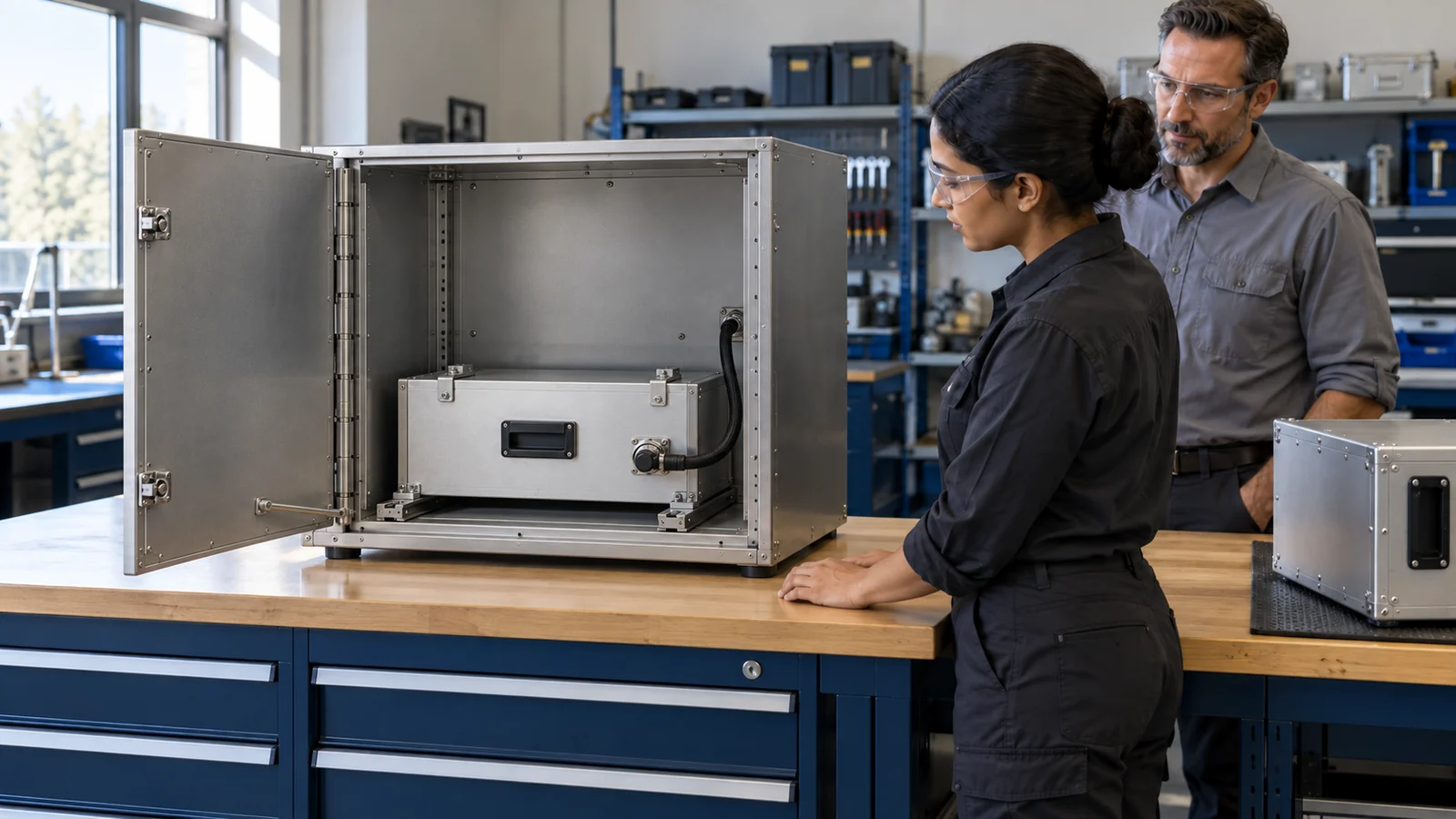
ACTUAL GLB / R2 WEB INSPECTION 1.0
Drag to orbit. With the model focused, use arrow keys to orbit and + / − to zoom; the buttons provide the same controls.
Loading actual GLB…
AP-01 — Access panel
Inspection viewer only. The two original GLBs contain static geometry with no animation clips. Assembly separation is a visual aid, not verified clearance, physical fit or a working Genesis simulation. The excluded B unit is an illustration/authoring input, not another model in this pack.
WHAT TO DO WITH THE MODEL
CONCEPT DRAFT 1.0 / 12 STEPS
Make the source, access order and support path visible before changing the unit state.
Read procedure ↗CONCEPT DRAFT 1.0 / 12 STEPS
A near-identical unit is a useful test of source-based judgment, not a fit challenge.
Read procedure ↗CONCEPT DRAFT 1.0 / 12 STEPS
Make each finished state inspectable and let a human decide what the evidence supports.
Read procedure ↗FROM MODEL TO GENESIS
AUTHORING / NOT YET A LIVE TASK
The model and concept procedures are inputs for Jan and the source/training reviewer. The Aerospace Genesis task is not yet published.
See the Genesis development plan ↗REUSE BEFORE REBUILD
The two original exports and named hierarchy are available now. Mirror Direct development must preserve the identity and mechanical constraints.
Read the model brief ↗