
EON AI VENTURESAerospace
Understand the equipment. Prepare the people.
Connect training, equipment knowledge and clearer handovers across aerospace operations.

Connect training, equipment knowledge and clearer handovers across aerospace operations.
Concept visualization · Genesis → Field-IQ → Robot IQ
THE EON PRODUCT FAMILY
Explore the products through the Aerospace task they could support. Product information is public; an actual lesson or workspace is arranged separately.
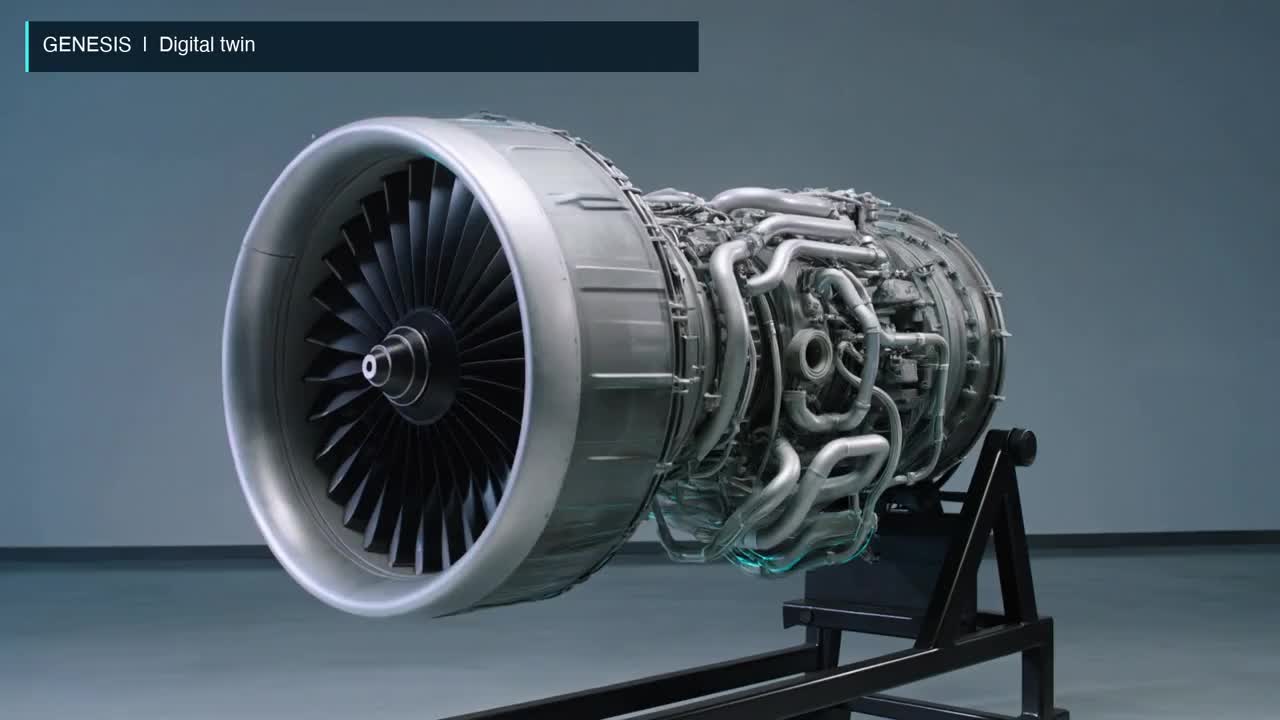
Build the equipment context
Bring equipment geometry, drawings and source knowledge into a shared twin.
Explore the product ↗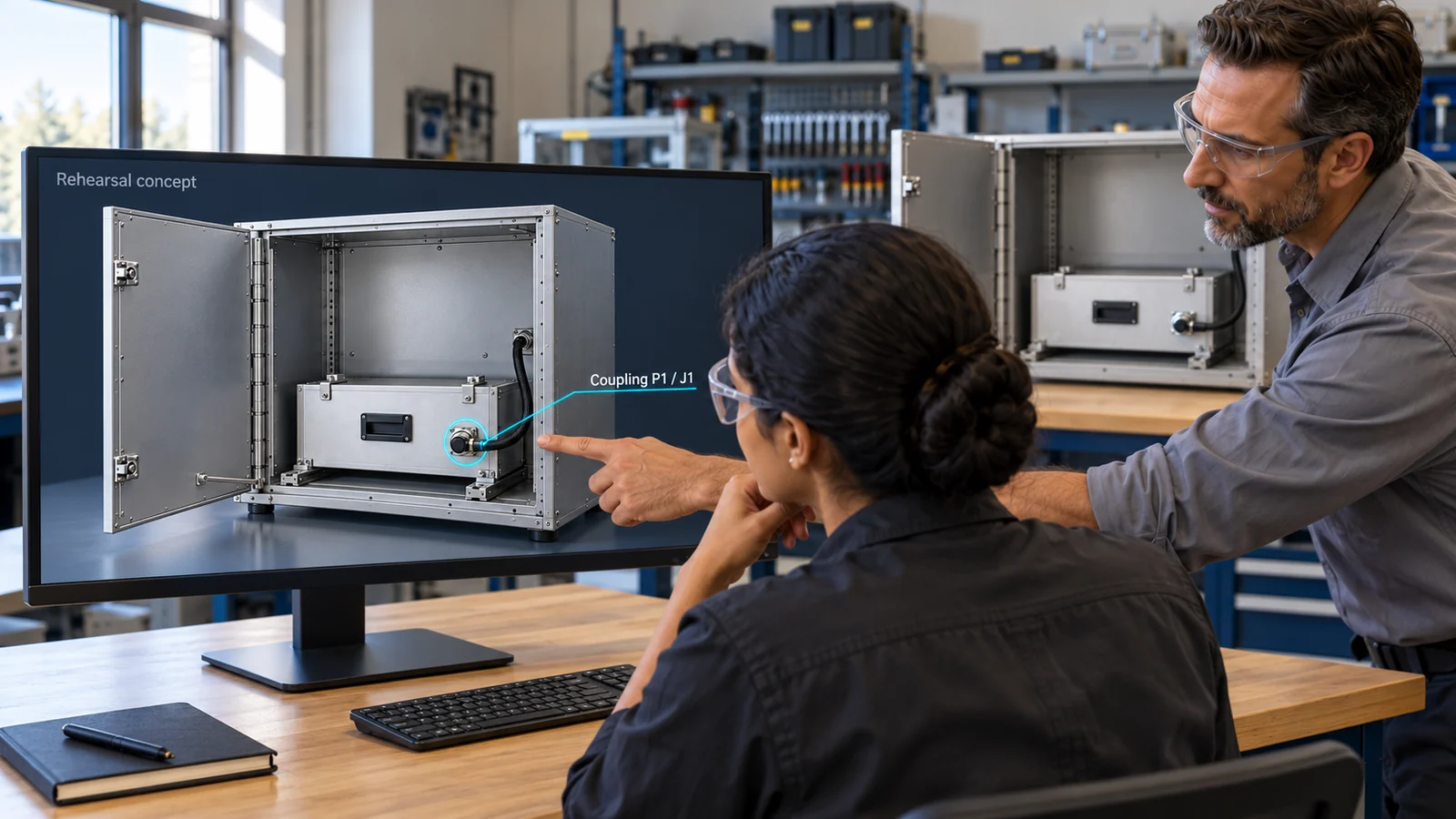
Rehearse the decision
Build interactive practice from a reviewed procedure and its decisions.
Explore the product ↗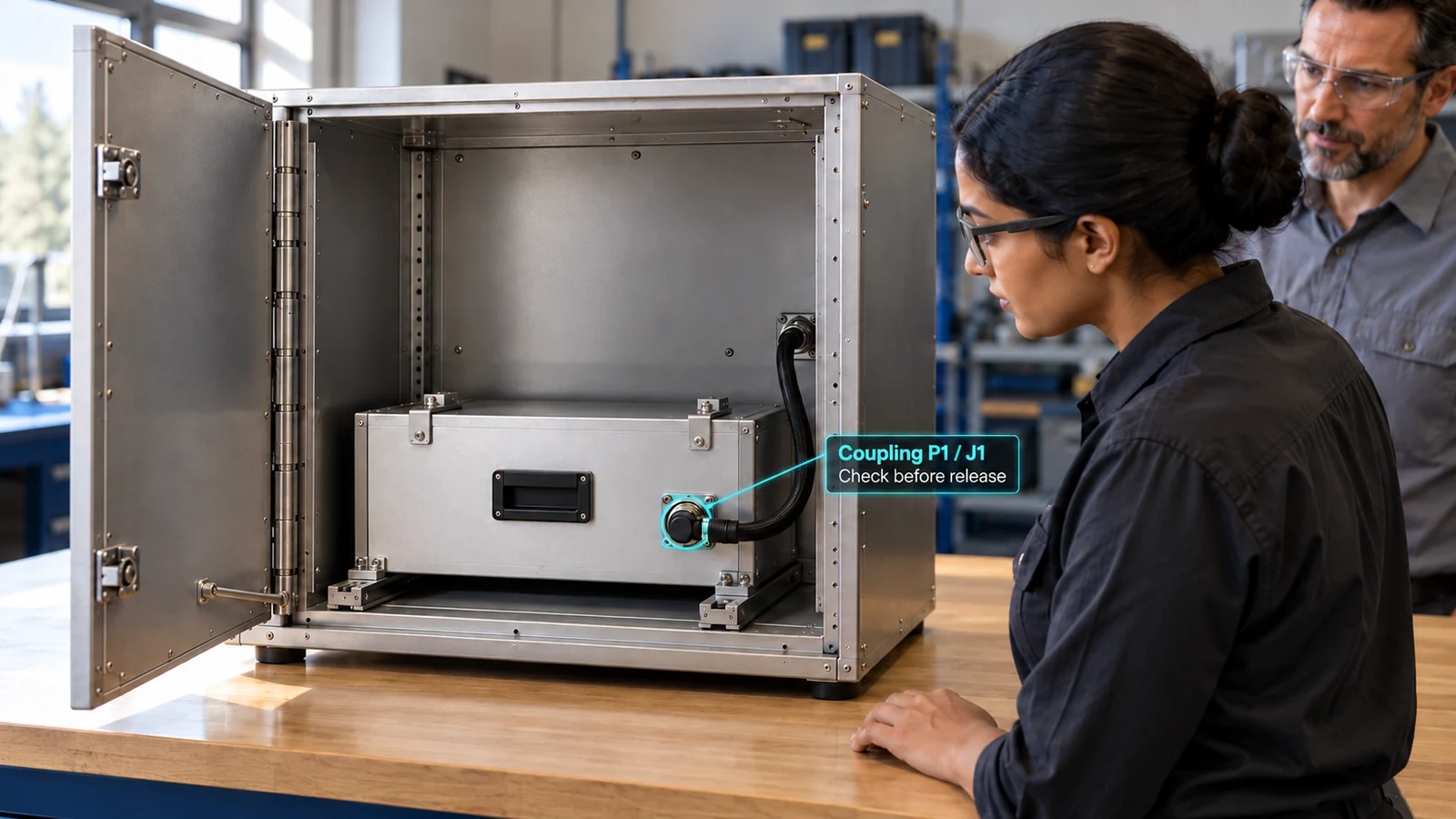
Assist supervised work
Deliver guidance and capture task evidence at the point of work.
Explore the product ↗Illustrative training applications. Existing models and guides are concept references; native product behaviour and Aerospace acceptance need a bounded pilot.
DIFFERENT TASKS / DIFFERENT LEARNING DECISIONS
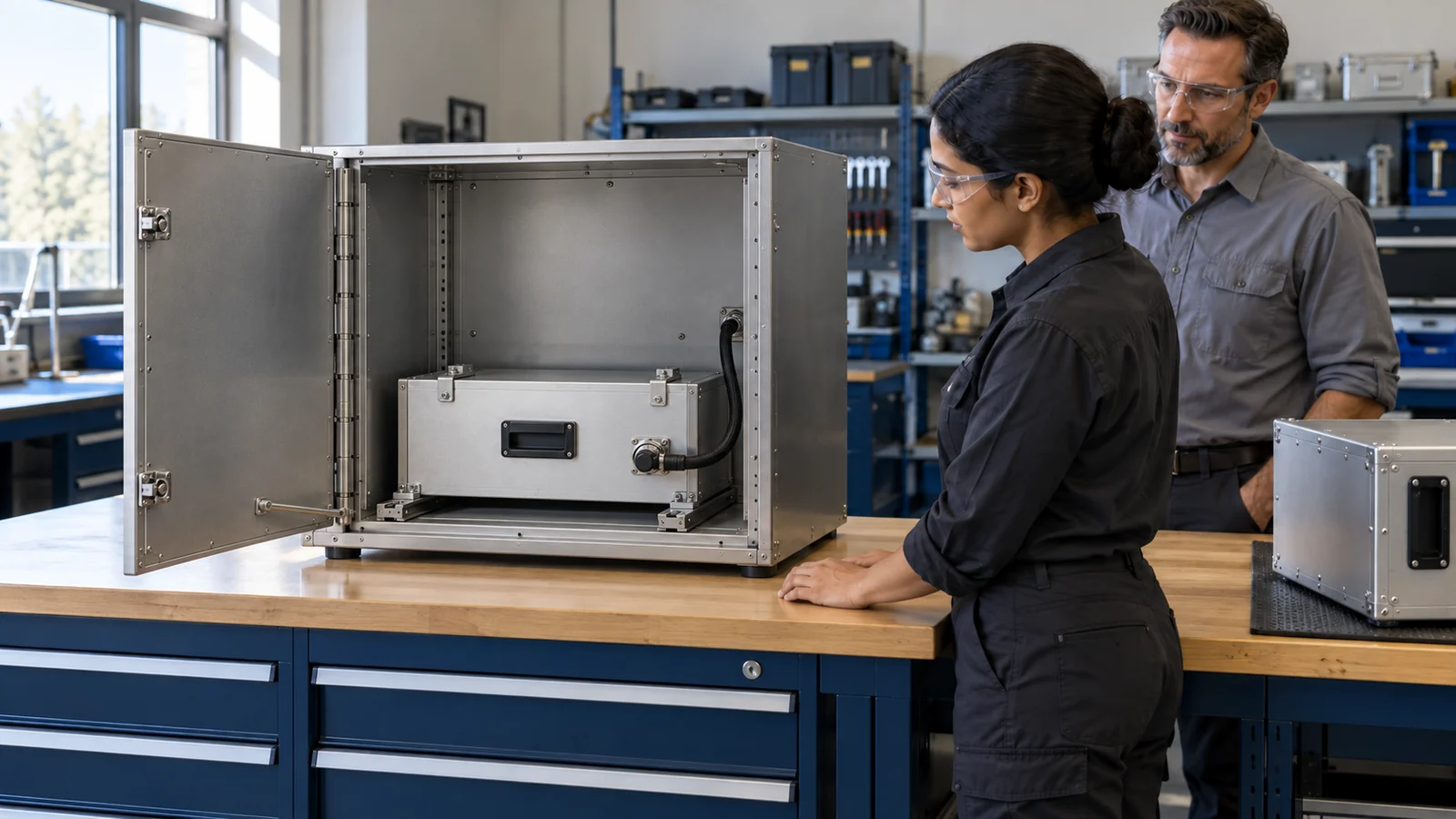
Explore a unit-exchange lesson with an existing model, or a separate harness-routing review concept built around drawing-to-equipment evidence.
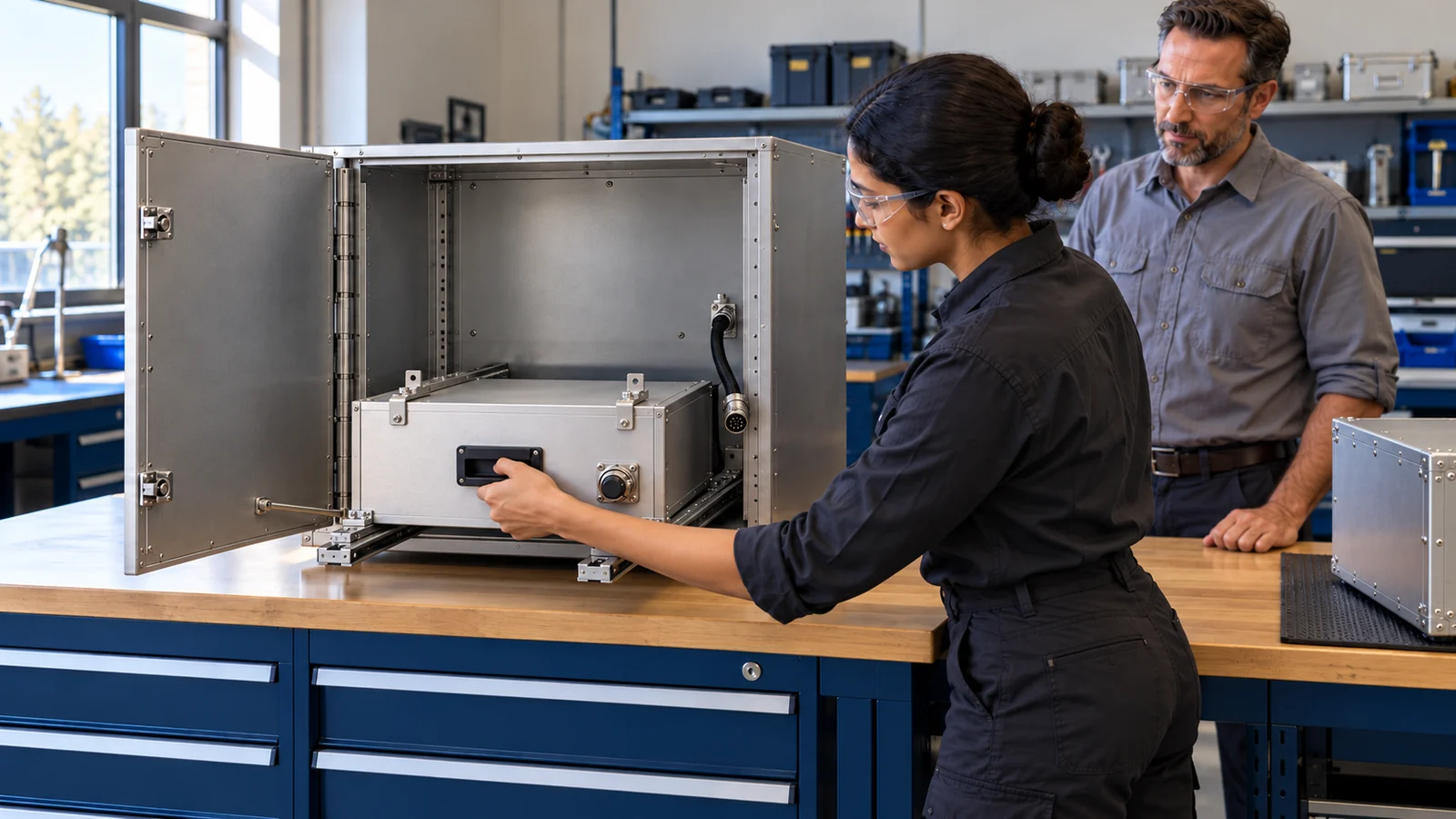
Rehearse the exchange, the identity check and the decision to ask.
Explore the solution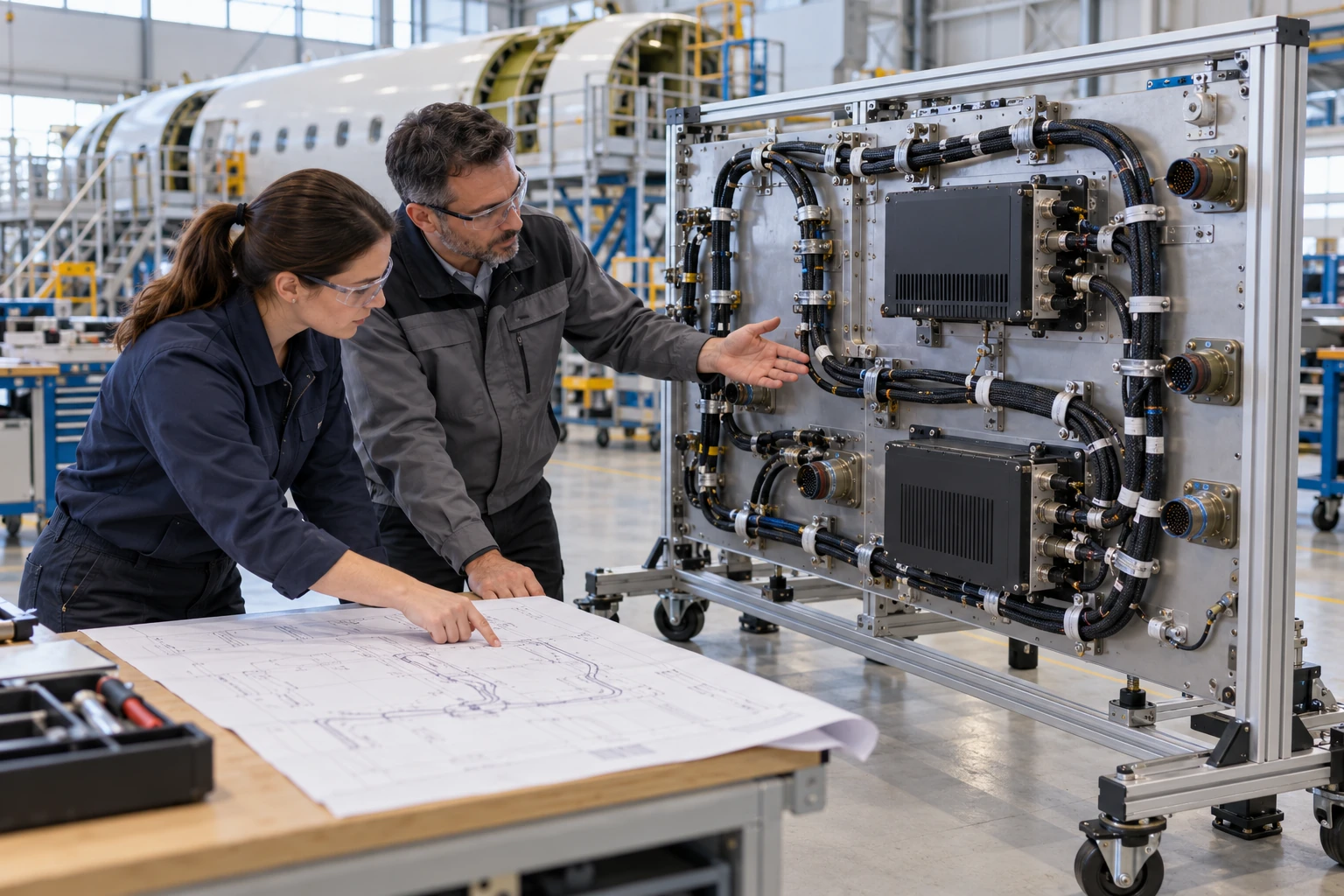
Connect a drawing to visible clamps and connector landmarks, then record what needs review.
Explore the illustrative task ↗THE FIRST AEROSPACE LESSON
ONE PLATFORM / TWO PRODUCTS
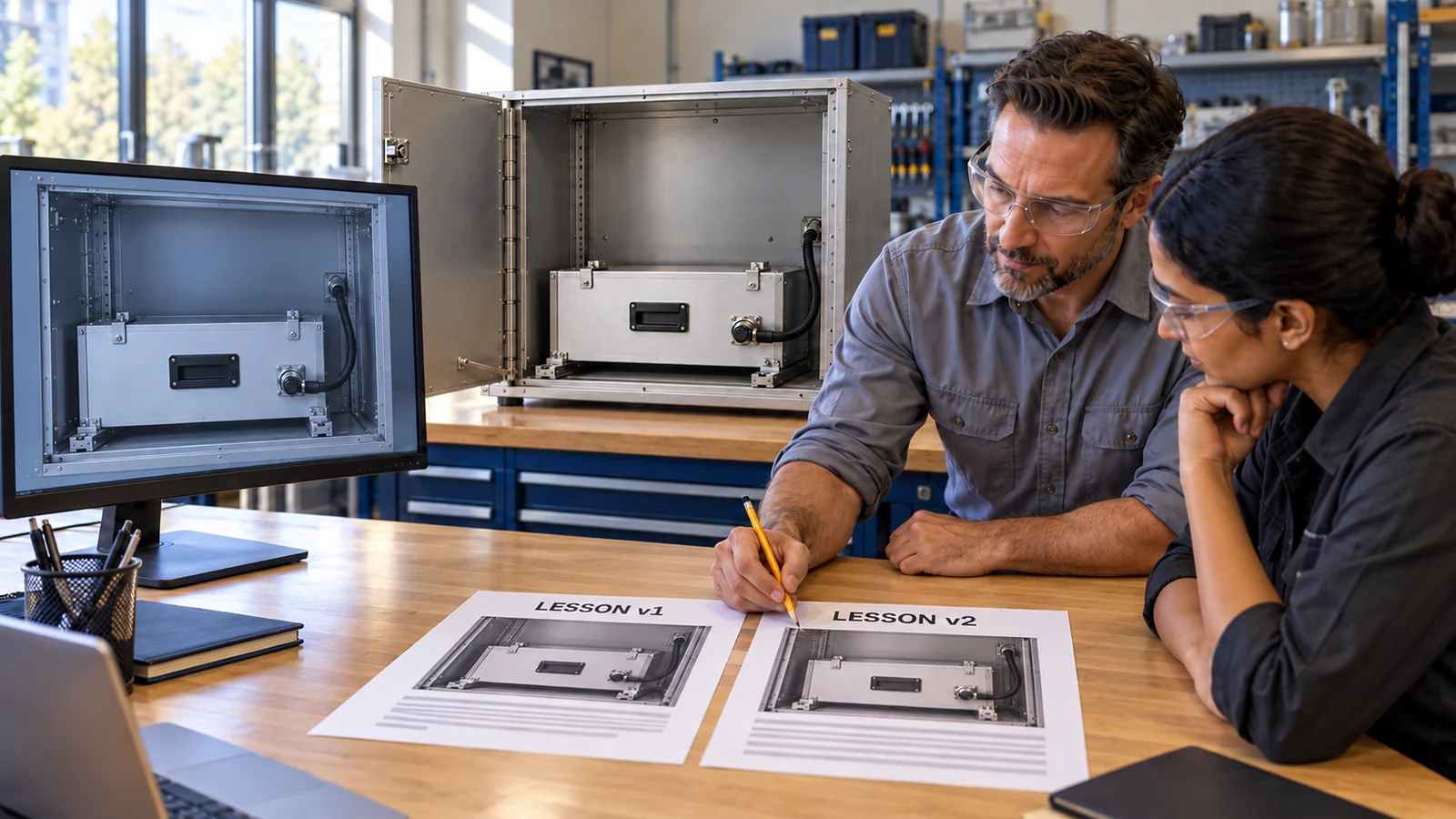
The Digital Twin prepares the lesson. The Work Loop supports practice. A human reviewer approves what belongs in the next rehearsal.
START WITH ONE LESSON
Let’s define the equipment, learner decision and evidence for a useful Aerospace demo clinic.
Plan a demo clinicMODEL + PROCEDURE LIBRARY
ACTUAL GLB / NAMED COMPONENTS
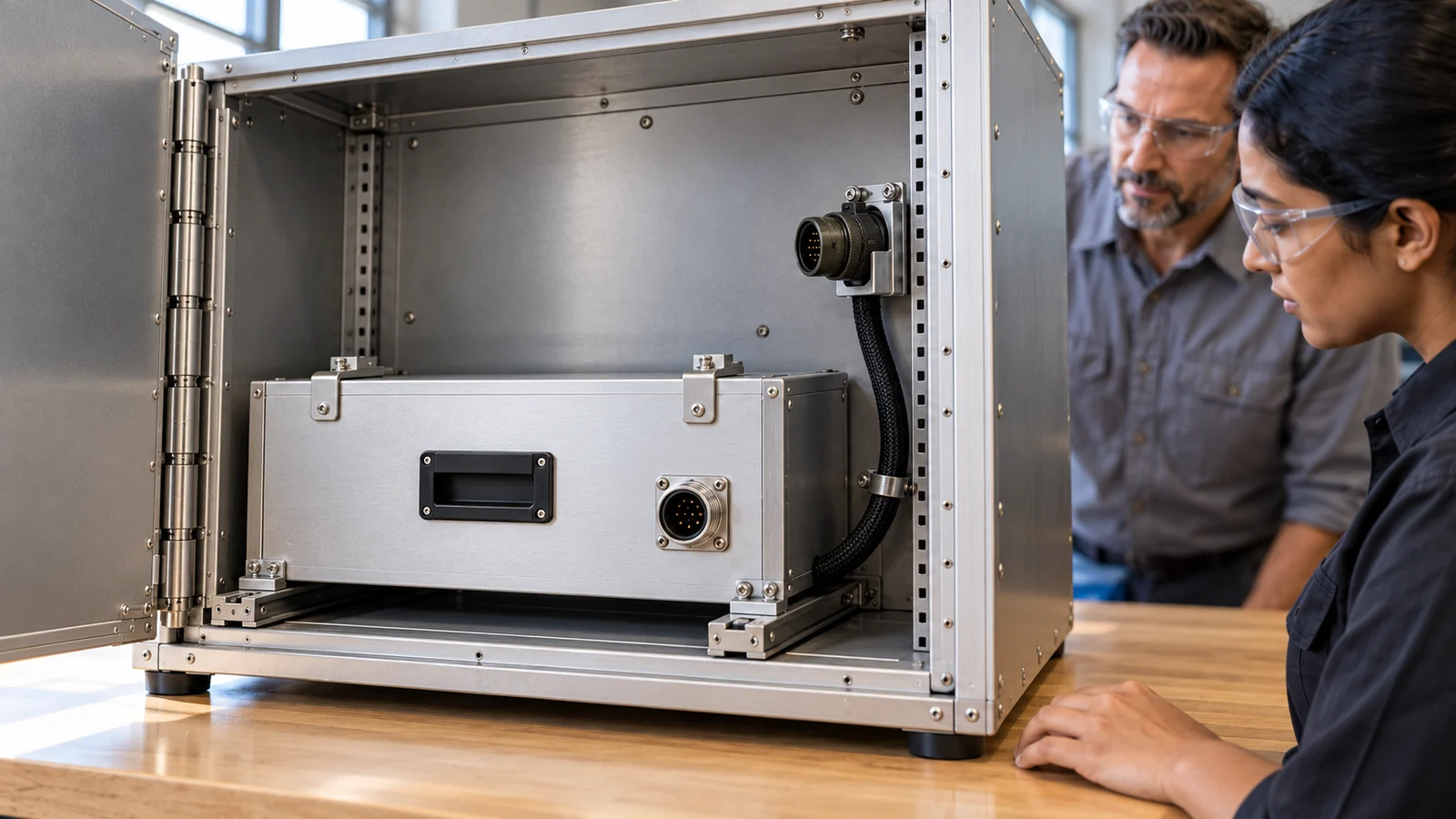
One equipment concept, two static original GLBs, selected components, orbit, zoom and separated inspection states.
Open the model viewer ↗SOURCE REFERENCES
Enlarge the existing concept imagery and download the source views.
Browse the image library ↗THREE CONCEPT DRAFTS
Read twelve-step drafts covering access, a configuration hold/recovery and reviewable evidence.
Read the step-by-step guides ↗